
SignClient signing software
One plugin for every app.
Workstation signing software for USB tokens: one plugin and one REST API so web and desktop apps can sign PDF, Office and XML and validate signatures.
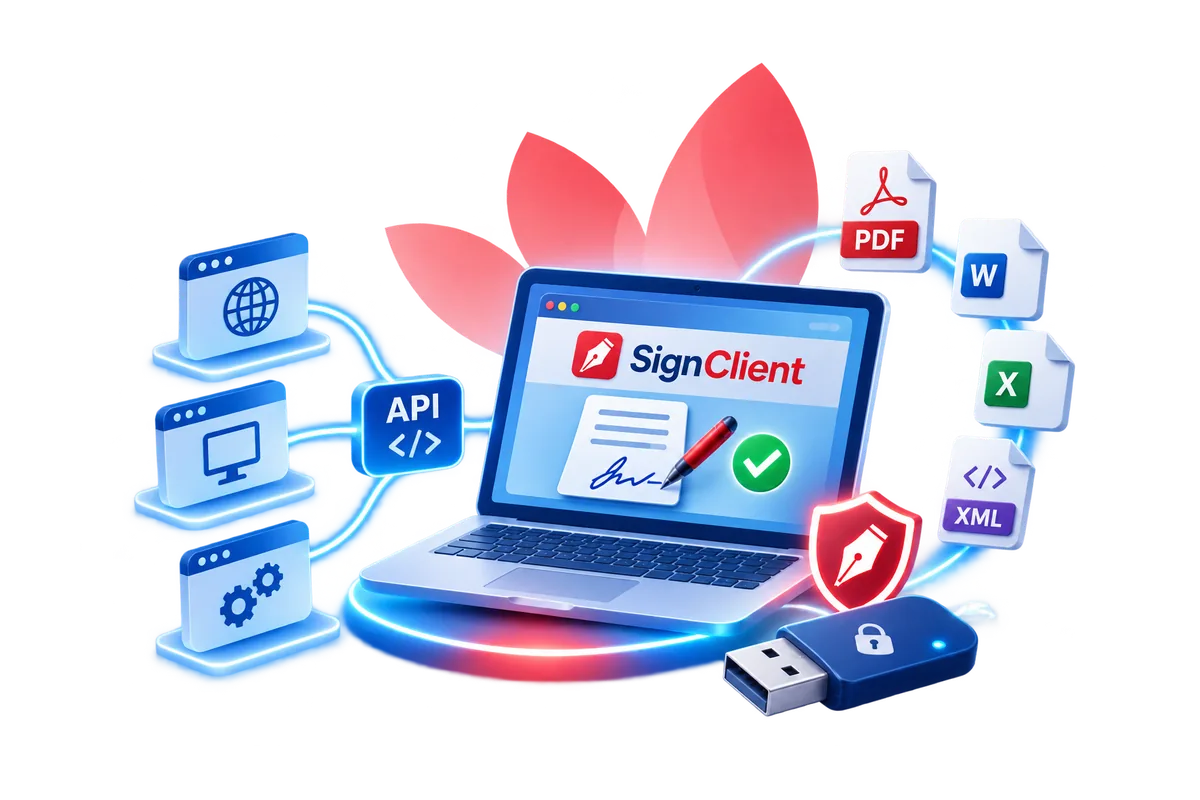
What does SignClient help with?
A USB token signing plugin installed on workstations, providing self-hosted signing and signature validation in line with international standards and Vietnamese regulations.
One shared plugin
Replaces separate plugins for each application and avoids software conflicts on user machines.
Signing in web apps
Web applications sign with USB tokens through a local API, replacing legacy JavaScript, Java Applet and ActiveX signing.
Keys stay on the token
Signing happens inside the USB token; the computer only sends the hash, and the PIN is entered via the token driver.
Every common format
Sign PDF, Word, Excel, PowerPoint, XML and hash values, with multiple signatures per file.
Signature validation
Validate signatures and certificate status via OCSP and CRL, with a configurable trusted certificate list.
Public and government CAs
Works with organisational and personal certificates from public CAs and the Government CA in Vietnam.
What is SignClient?
SignClient is a USB token signing plugin installed on workstations, built for software vendors and large organisations. Designed and developed by CyberLotus, it provides self-hosted signing and signature validation on the workstation, in line with international standards and Vietnamese regulations. SignClient is registered for copyright in Vietnam under the name LotusSign.
Business applications integrate SignClient through an API on the workstation. This is especially useful for web applications, which cannot talk to USB tokens directly.
Why SignClient?
- The key lives on the USB token: the application server cannot sign on the user's behalf, so software is needed to talk to the token on the workstation.
- Too many separate plugins: one plugin per application means users install lots of software that can conflict; a single shared plugin is needed.
- Legacy signing is blocked: browsers now block JavaScript, Java Applet and ActiveX signing for security reasons; a new-generation plugin is needed.
Architecture
- SignClient is installed on the user's machine and exposes a RESTful API over HTTPS on localhost for signing and signature validation, together with a signing interface (GUI). Web or desktop applications call the API; the application server can compute hashes and assemble signatures.
- The Admin Server (Advanced package) manages licences centrally and stores the latest updates; SignClient checks for them and prompts users to install new versions. It also enables central configuration and policy sync to every SignClient.
- The Standard package needs no dedicated server: licences and updates are downloaded from the CyberLotus User Portal using the account issued to each user.
- External services: the CA's OCSP/CRL for certificate validation and a TSA for timestamps.
Benefits and use cases
For organisations
- A single plugin to add USB token signing to every business application.
- USB tokens are accessed via Windows CAPI/CNG or PKCS#11, using organisational and personal certificates from public CAs and the Government CA in Vietnam.
For users
- Easy installation and signature template setup.
- Sign and validate signatures directly in desktop apps or in Chrome, Edge and Firefox.
Flexible integration
- A full set of signing functions: hash, PDF, Office and XML signing; element-level XML signing; multiple signatures per file.
- Certificate status checks (OCSP, CRL).
- Integration via RESTful API; API customisation to your organisation's standards (Advanced package).
Typical use cases
- Signing tax returns, e-invoices and electronic vouchers.
- Signing electronic documents, e-contracts and more.
Signing interface and settings
In the SignClient interface, users sign single files or batches, save signed files, review their activity history, and configure PDF signature templates, the trusted certificate list, the timestamp authority (TSA) and software updates. PDF signatures can show an image, signer details, or both.
Technical specifications
Digital signatures
| Item | Specification |
|---|---|
| PDF signatures | PAdES – ETSI TS 102 778 / ETSI EN 319 142 |
| XML signatures | XAdES – ETSI EN 319 132 |
| Element-level XML signing | Specify the element to sign and where to place the signature; multiple signatures per XML file |
| Office signatures | OOXML Digital Signature (Microsoft Office Open XML) |
| CMS signatures | CAdES – ETSI EN 319 122 |
| Signature algorithm | RSA 2048-bit (PKCS#1 v2.1) |
| Hash functions | SHA-256, SHA-384, SHA-512; SHA-1 signing requests are rejected |
| Timestamps | Timestamping with a configurable TSA URL |
| Certificate validation | OCSP (RFC 6960), CRL (RFC 5280); configurable trusted certificate list |
| Signature appearance | Image, details or both; per Decree 30/2020/ND-CP (Appendix I) and Official Letter 5176/BTTTT-NEAC |
Integration
| Item | Specification |
|---|---|
| Protocol | HTTPS REST API on localhost (default port 32001) |
| Documents signed via API | .pdf, .docx, .xlsx, .pptx, .xml and hash values |
| Encoding | Base64 for files/hashes in JSON; multipart/form-data for large files |
| USB token interface | Windows CAPI/CNG, PKCS#11 |
Workstation environment
| Item | Requirement |
|---|---|
| Operating system | Windows 10/11 (64-bit); macOS and Linux on a project basis |
| Runtime | Microsoft .NET Framework 4.8 or later |
| Browsers | Current versions of Chrome, Edge and Firefox |
| Other software | USB token driver/middleware from the CA; Microsoft Office for Office-to-PDF conversion |
| Minimum hardware | x86-64 CPU 1.6 GHz; 2 GB RAM; 200 MB free disk; one USB 2.0 port |
| Recommended hardware | 2-core CPU 2.0 GHz; 4 GB RAM; 500 MB free disk; stable 10 Mbps connection |
| Network access | OCSP/CRL, TSA; User Portal (Standard) or Admin Server (Advanced) |
Admin Server (Advanced package)
A central component available only in the Advanced package; servers and infrastructure are provided by the customer. It manages SignClient licences centrally, stores and distributes updates, and syncs configuration and policies to every SignClient. Runs on Ubuntu or Red Hat Enterprise Linux; minimum 4-core CPU, 8 GB RAM, 200 GB disk.
Security and support
- The private key is stored only on the USB token; signing happens inside the token and the computer only sends the hash.
- Users enter their PIN through the USB token driver's interface.
- The API runs only on the user's machine and is not exposed to the network.
- OCSP/CRL checks before every signature; signing actions are logged and kept for two months.
Annual maintenance and support: bug fixes and software patches; requests by phone and email; 5x8 technical support, remotely or on-site in Hanoi.
If you need central signing with your organisation's certificate on an HSM instead of USB tokens, see SignServer and the SignHub platform.
Regulatory compliance in Vietnam
- Law on Electronic Transactions No. 20/2023/QH15.
- Decree 23/2025/ND-CP on electronic signatures and trust services.
- Circular 15/2025/TT-BKHCN on technical requirements for signing and signature-validation software.
- Decree 30/2020/ND-CP (Appendix I) and Official Letter 5176/BTTTT-NEAC on digital signature appearance.
Focused on your business.
SignClient's core features and the functions available in its signing interface.
RESTful API on the workstation
HTTPS REST API on localhost (default port 32001) for signing and validation; Base64 in JSON, or multipart for large files.
ETSI-standard signatures
PAdES for PDF, XAdES for XML (element-level signing), CAdES for CMS, OOXML for Office; RSA 2048, SHA-256/384/512.
Signing interface (GUI)
Sign single files or batches, save signed files and validate signatures; convert Office files to PDF before signing.
Signature templates and timestamps
Configure PDF signature appearance (image, details), trusted certificates and the timestamp authority (TSA).
Automatic updates
Checks for and announces new versions from the CyberLotus User Portal or your own Admin Server.
Admin Server (Advanced package)
Central licence management, update distribution, and configuration and policy sync to every SignClient.
A clear implementation journey.
Business applications integrate SignClient through its workstation API; CyberLotus supports you from integration to operations.
Choose a package
Standard uses the CyberLotus User Portal; Advanced adds an Admin Server and API customisation to your organisation's standards.
Integrate the API
Web or desktop applications call the SignClient REST API to sign PDF, Office, XML and hashes and to validate signatures.
Install on workstations
Install SignClient on 64-bit Windows 10/11 with the CA's USB token driver; configure signature templates and TSA.
Maintenance and support
Bug fixes and patches; 5x8 support by phone, email, remotely or on-site in Hanoi.
Learn more about SignClient.
Documents for download.
Brochure SignClient
Phần mềm plugin chữ ký số
Download